 listicle
Best Smart Home Devices for Non Tech Savvy Users
Table of Contents
- Quick Comparison: Best Smart Home Devices for Non Tech Savvy Users
- How We Evaluated These Devices
- Amazon Echo Show 8: The Easiest Smart Home Ecosystem for Beginners
- Google Nest Hub Max: Best Visual Hub for Managing Multiple Devices
- Apple HomePod mini: Simple, Private, and iPhone-Friendly
- Plug and Play Smart Home Devices That Work Without Wiring
- Smart Home Setup for Seniors: Devices That Reduce Daily Effort
- Which One Should You Pick?
- Frequently Asked Questions
Last Updated: September 18, 2026
Quick Comparison: Best Smart Home Devices for Non Tech Savvy Users
The best smart home devices for non tech savvy users are those that pair voice control with setup that takes minutes, not hours. This guide from NovexaTech LLC breaks down which ones might fit your home, your phone, and your patience level.
Smart home devices are internet-connected products that you control by voice, app, or touchscreen instead of manual switches. The category covers speakers, displays, plugs, thermostats, cameras, and vacuums. For beginners, the deciding factor is rarely the hardware. It's whether the setup process feels forgiving.
Here's the good news: the newest generation of these products is built for people who don't want a project. Below, we compare the five easiest options, what each one costs, and which one we'd hand to a first-timer.
| Device | Starting Price | Best For | Setup Difficulty |
|---|---|---|---|
| Amazon Echo Show 8 | $149.99 | Widest device compatibility | Easy |
| Google Nest Hub Max | $229.00 | Visual control of many devices | Easy |
| Apple HomePod mini | $99.00 | iPhone users who value privacy | Easy |
| Matter-Enabled Smart Plugs | $15.00 | First-time buyers on a budget | Very easy |
| Adaprox Fingerbot Plus | $39.99 | Automating old appliances | Very easy |
How We Evaluated These Devices
We judged every device on four practical criteria: setup time, how well it works with devices you already own, whether it needs professional installation, and how clearly it explains itself when something goes wrong.
A common mistake buyers make is chasing the longest feature list. More features usually mean more menus, more accounts, and more chances to get stuck. For a beginner, a device that does five things flawlessly beats one that does fifty things confusingly.
The devices below all passed one test: a person who has never configured a smart home can get them running in an afternoon.
Amazon Echo Show 8: The Easiest Smart Home Ecosystem for Beginners
The Echo Show 8 is our top pick for most beginners because Alexa works with more third-party brands than any other assistant. If you already own a random smart bulb or camera, chances are it will connect.
Setup takes about ten minutes. You plug it in, open the Alexa app, and follow prompts on the 8-inch screen. The built-in hub handles Zigbee and Matter devices directly, so many products pair without a separate bridge. Voice commands control lights, locks, and cameras.
What most guides miss is the clutter. The screen shows rotating suggestions and ads, which can confuse new users. You can turn most of that off in settings, but it takes a few minutes of digging.
Pros:
- Works with the widest range of smart home brands
- Setup is genuinely beginner-friendly
- Built-in hub removes the need for extra hardware
Cons:
- On-screen ads and prompts feel busy at first
- Best features assume you'll use Amazon services
Google Nest Hub Max: Best Visual Hub for Managing Multiple Devices
Google's Nest Hub Max suits households that want to see their devices, not just talk to them. The 10-inch touchscreen shows every connected light, camera, and thermostat on one dashboard. Tap a tile to control it.
The built-in Nest Cam adds home monitoring, and Face Match personalizes the screen for each family member. It costs more than some alternatives, and that price gap is the main trade-off. You're paying for the larger display and camera.
Voice recognition is excellent, which matters for seniors or anyone who finds small buttons difficult. You speak, and it responds accurately the first time.
Pros:
- Clear visual dashboard for managing many devices
- Strong voice recognition
- Built-in camera for monitoring
Cons:
- Highest price in this comparison
- Some features require a Google account and app comfort

Apple HomePod mini: Simple, Private, and iPhone-Friendly
If your household runs on iPhones, the HomePod mini is the least stressful entry point. Setup happens automatically when you hold your phone near the speaker. No passwords, no separate app downloads, no manual pairing.
Siri handles lighting, locks, and scenes, and the Thread radio keeps connections stable as your setup grows. Apple's privacy stance is a real advantage here: less of your routine data leaves the home.
The catch is compatibility. The HomePod mini works best with HomeKit-certified accessories, so it's the wrong choice if you already own a pile of Alexa-only gadgets.
Pros:
- Fastest setup of any device here
- Strong privacy protections
- Compact, attractive design
Cons:
- Limited usefulness for non-Apple households
- Fewer compatible accessories than Alexa or Google
Plug and Play Smart Home Devices That Work Without Wiring
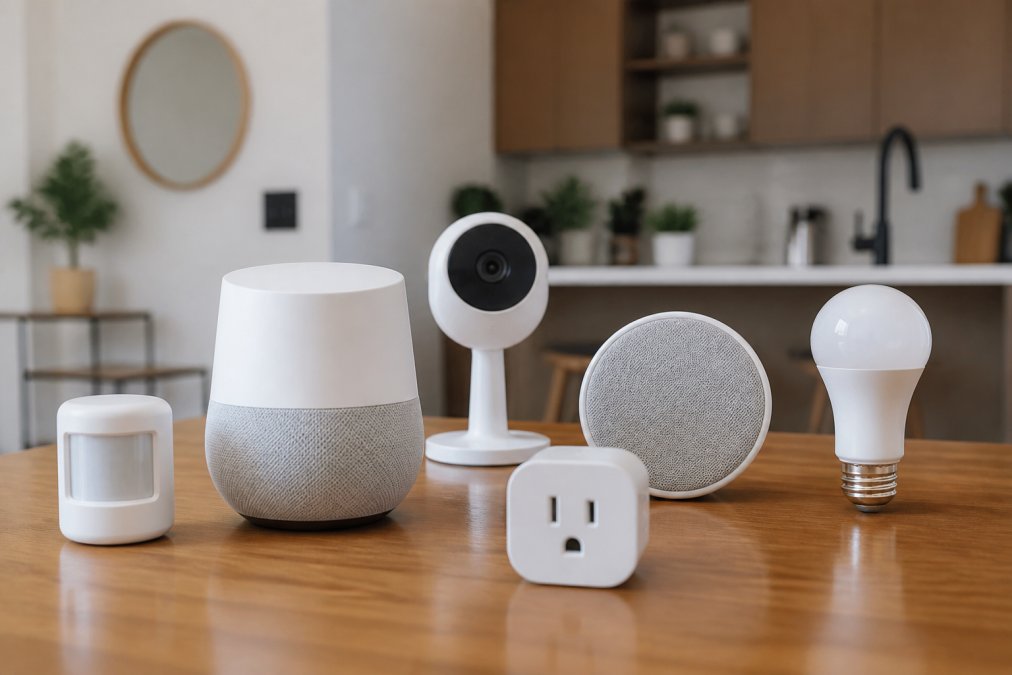
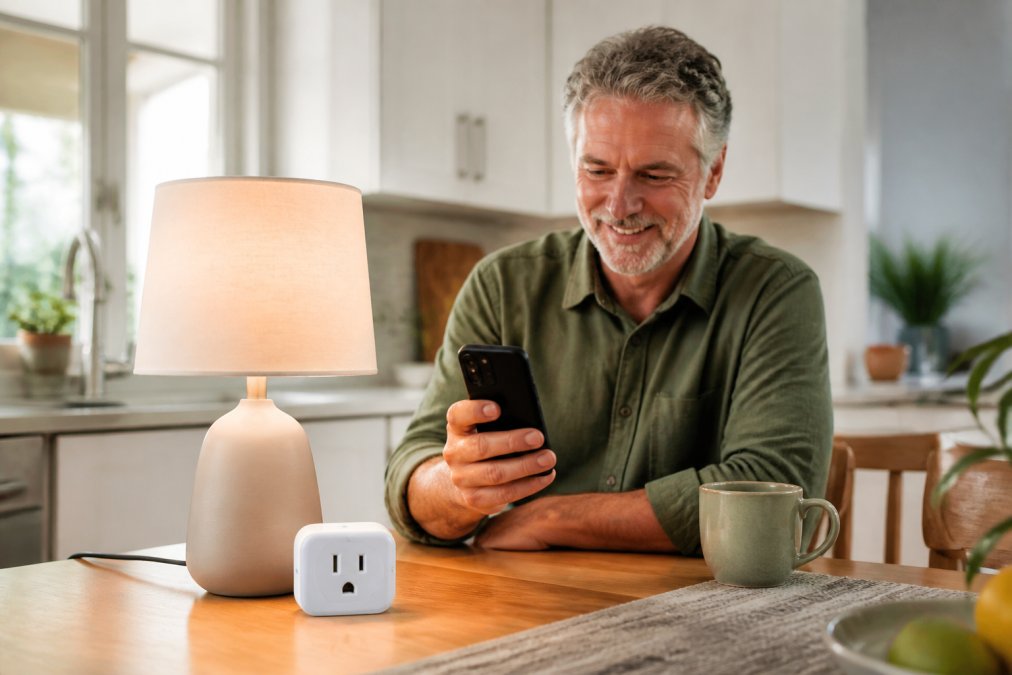
Plug and play smart home devices are products you unpack, plug in, and control within minutes, with no wiring, no electrician, and no wall damage. They're the safest starting point for anyone nervous about installation.
Matter-enabled smart plugs turn any lamp or small appliance into a smart device. You plug the lamp into the plug, the plug into the wall, and pair it with your phone. That's the entire process.
The Adaprox Fingerbot Plus takes a different approach. It's a small robotic pusher that physically presses buttons on appliances you already own, like a coffee maker or a wall switch. It retrofits old devices instead of replacing them.
Smart Home Setup for Seniors: Devices That Reduce Daily Effort
Smart home setup for seniors works best when the goal is reducing effort, not adding gadgets. The right devices remove small daily tasks: adjusting blinds, checking the thermostat, answering the door.
Smart window shades handle one of the most physical chores in the house. Battery-powered models install without an electrician, and you can schedule them to open at sunrise. They cost more upfront, but they cut daily bending and reaching.
Robot vacuums clean floors on a schedule you set once. Lidar navigation means they avoid furniture without you mapping the room first. Maintenance is limited to emptying the bin and rinsing filters.
Smart thermostats learn your schedule and adjust heating and cooling automatically. One caveat: some HVAC systems need a C-wire, so check compatibility before buying.
For households managing multiple health needs, AARP's smart home technology guidance offers practical advice on choosing devices that support independent living.
Which One Should You Pick?
Pick the Amazon Echo Show 8 if you want the widest compatibility and don't mind a slightly busy screen. Choose the Google Nest Hub Max if you prefer seeing your devices on a large display. Go with the Apple HomePod mini if you use an iPhone and value privacy above all.
For a first purchase with zero risk, start with a Matter-enabled smart plug. It requires no commitment and teaches you how the whole system works before you spend more.
Frequently Asked Questions
What is the easiest smart home ecosystem for beginners?
Amazon's Alexa ecosystem, accessed through devices like the Echo Show 8, is the easiest starting point for most beginners. It supports the widest range of third-party smart home devices, including Zigbee and Matter products, so you can mix brands without compatibility headaches. Setup takes minutes through the Alexa app, and voice commands handle most daily tasks. If you already own an iPhone, Apple's HomeKit with the HomePod mini is a close second for its simplicity and privacy focus.
Do I need a hub for my smart home devices?
Not always. Many devices, like Matter-enabled smart plugs and Wi-Fi cameras, connect directly to your home network without a separate hub. However, some devices still benefit from a hub. The Amazon Echo Show 8 includes a built-in hub for Zigbee and Matter devices. If you want to avoid buying extra hardware, choose devices that connect over Wi-Fi or Matter.
How do I start a smart home if I am not tech-savvy?
Start with one device that solves a daily annoyance, such as a smart plug for a lamp or a smart thermostat for energy savings. Plug it in, follow the app instructions, and test voice control. Once you are comfortable, add one device at a time. Choose products from the same ecosystem, like Alexa or Google Assistant, to keep setup consistent. Avoid buying five devices at once; gradual additions let you learn without feeling overwhelmed.
Which smart home devices are most reliable for seniors?
Voice-controlled devices like the Amazon Echo Show 8 and Google Nest Hub Max are reliable for seniors because they require no screen navigation. Smart plugs and the Adaprox Fingerbot Plus let seniors control lamps and appliances without bending or reaching. Smart window shades reduce manual effort for hard-to-reach windows.
Are smart home devices difficult to set up and maintain?
Most modern smart home devices are designed for simple setup. Plug-and-play options like Matter smart plugs and the Adaprox Fingerbot Plus take under five minutes to install. Devices like the Echo Show 8 and Nest Hub Max guide you through setup with on-screen prompts. Maintenance is minimal: robot vacuums need occasional brush cleaning, and smart plugs require no upkeep. Choose devices with clear apps and voice setup to avoid frustration.
Setting up a smart home shouldn't require a manual or a support ticket. At NovexaTech LLC, we curate smart home devices, wireless audio, and connected health trackers with beginners in mind, so every product works with the systems you already own. Our collection pairs modern design with straightforward setup, and our team is available to help you choose the right starting point. Get started with NovexaTech LLC and build a home that responds to you, one simple device at a time.