 ultimate-guide
Choosing Smart Health Trackers for Beginners: 2026 Guide
Table of Contents
- Start With Your Goal, Not the Spec Sheet
- Smartwatch vs Fitness Tracker Comparison: Which Form Factor Fits?
- Fitness Tracker Features for Beginners: What Actually Matters
- Understanding Health Tracker Data Metrics Without a Medical Degree
- Fitness Tracker Compatibility With Smartphones and Your Home Setup
- Data Privacy and Long-Term Support: The Questions Most Buyers Skip
- Accessibility and Ease of Use for Every Age
- Frequently Asked Questions
Last Updated: September 11, 2026
Start With Your Goal, Not the Spec Sheet
Choosing smart health trackers for beginners comes down to one question most buyers never ask themselves: what do you actually want to measure? Shoppers often freeze in front of spec sheets listing VO2 max, SpO2 monitoring, and electrocardiogram sensors, then buy the device with the longest feature list rather than the one that fits their routine. A smart health tracker is a wrist-worn device that uses biometric sensors to record activity, heart rate, and sleep data, then syncs that information to a companion app. The right one matches your goal.
Your goal determines everything else. Training for a first 5K? Prioritize integrated GPS and real-time pace. Managing stress and sleep? Heart rate variability and sleep stages matter more than step counting. Simply moving more? A basic band with sedentary reminders does the job. The CDC's physical activity guidelines recommend adults aim for 150 minutes of moderate activity weekly, and a tracker's real value is showing you whether you're hitting that mark.
Smartwatch vs Fitness Tracker Comparison: Which Form Factor Fits?
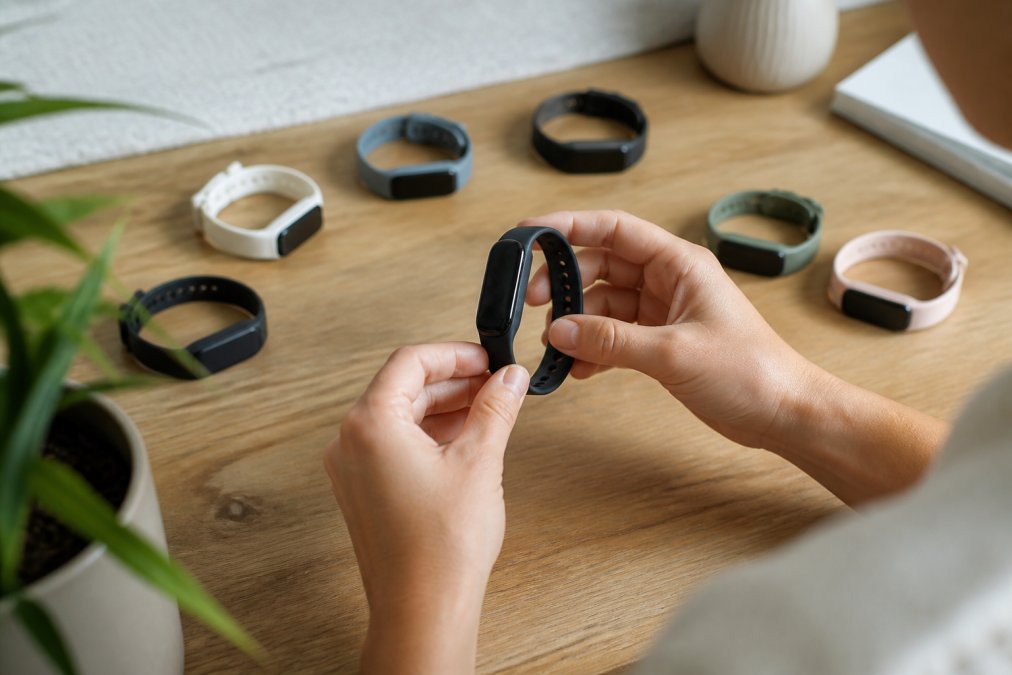
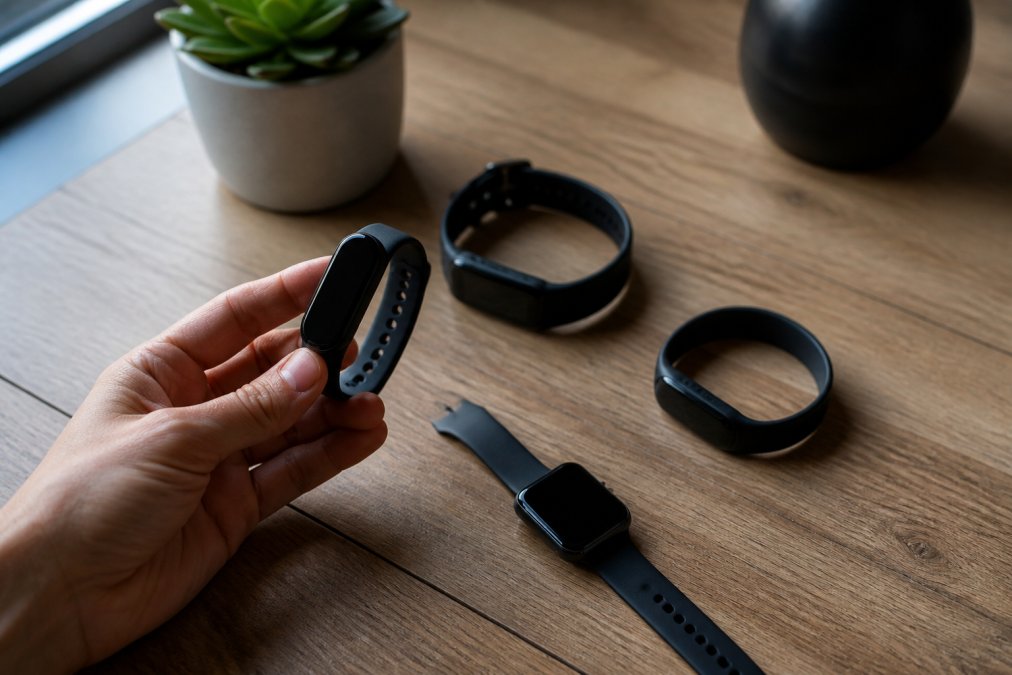
A fitness tracker is a slim band focused on health metrics; a smartwatch is a larger wrist computer with a display, apps, and smart notifications. The fitness tracker features for beginners that matter rarely require the extra bulk of a full smartwatch.
| Factor | Fitness Tracker | Smartwatch |
|---|---|---|
| Size and weight | Slim, lightweight band | Bulkier case, larger screen |
| Battery life | Often days to weeks | Usually 1-3 days |
| Display | Small OLED or none | Full color OLED display |
| Smart notifications | Basic haptic alerts | Calls, texts, apps |
| Best for | Focused health tracking | All-day connectivity |
When a Simple Band Beats a Full Smartwatch
If you mainly want step counting, sleep stages, and heart rate trends, a band wins on comfort and battery life. A full smartwatch makes sense when you also want haptic notifications, Bluetooth connectivity for calls, and a larger user interface. Most beginners overbuy here.
Fitness Tracker Features for Beginners: What Actually Matters
The features that matter are the ones you'll use daily: accurate heart rate monitoring, reliable sleep tracking, comfortable ergonomic design, and a companion app you don't dread opening. Everything else is optional.
Sensor Basics: Heart Rate, SpO2, and the Accelerometer
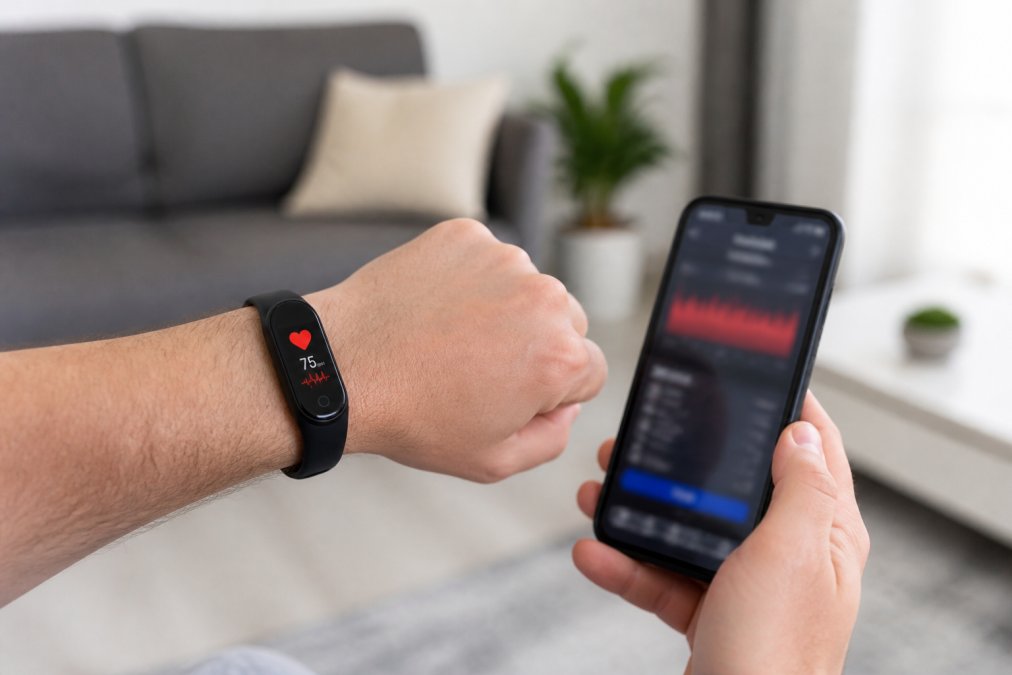
An optical heart rate sensor shines light through your skin to detect blood flow, an accelerometer and gyroscope track movement, and spO2 monitoring estimates blood oxygen. Activity recognition uses these sensors together to auto-detect workouts. More sensors don't automatically mean better data; sensor placement and firmware quality matter just as much.
Battery Life, Displays, and Water Resistance Ratings
Battery life is the spec beginners underestimate most. A device you must charge nightly gets abandoned within weeks. Check the waterproof rating before swimming or showering: many bands handle splashes, but only clearly rated models survive pool laps. An ambient light sensor that adjusts display brightness saves meaningful battery.
Understanding Health Tracker Data Metrics Without a Medical Degree
Understanding health tracker data metrics starts with knowing which numbers are trends and which are noise. A single night's sleep score means little; a two-week pattern means a lot.
Heart Rate Variability, Recovery Time, and VO2 Max
Heart rate variability measures the variation in time between heartbeats and reflects recovery and stress load. Recovery time estimates how long until your body is ready for hard effort. VO2 max estimates aerobic capacity and tends to improve slowly over months. Skin temperature and electrocardiogram readings appear on higher-end models. Treat all of these as directional signals, not diagnoses. A wellness dashboard is a conversation starter with your doctor, not a replacement for one.
Fitness Tracker Compatibility With Smartphones and Your Home Setup
Fitness tracker compatibility with smartphones is where most returns originate. Before buying, confirm three things: the companion app runs on your phone's operating system, the device uses Bluetooth connectivity your phone supports, and syncing works reliably with any smart home or wellness dashboard you already use.
- Check the app's minimum OS version against your phone
- Confirm Bluetooth version compatibility
- Verify syncing works with your existing devices
- Look for firmware update history, not just current features
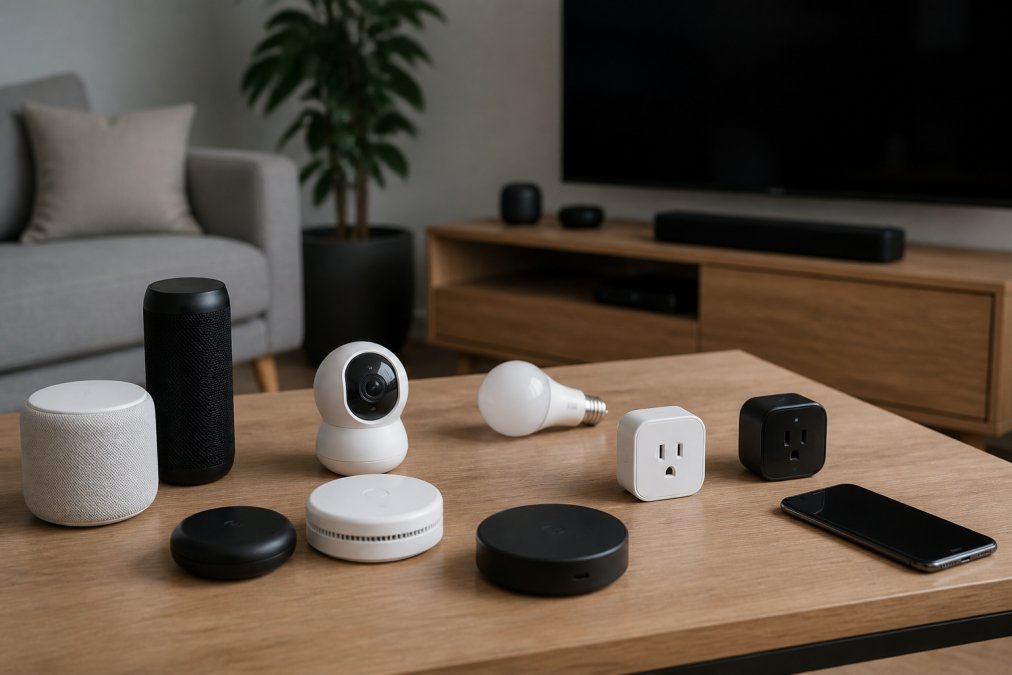
If you run smart home devices from multiple brands, a tracker that syncs cleanly matters more than one extra sensor. Connectivity frustration is common, which is why curating devices with documented compatibility rather than just impressive spec lists is important.
Data Privacy and Long-Term Support: The Questions Most Buyers Skip
Health data is the most sensitive information a wearable collects, and it is the one topic almost every buying guide skips. Other providers often compare sensor accuracy and battery life, then stop. For a beginner, the privacy and support questions are the ones that determine whether a tracker is still useful, and still trustworthy, two years after purchase.
Where Your Health Data Actually Goes
When you wear a tracker, the device itself stores very little. The data flows through a chain: sensor → Bluetooth connection → companion app on your phone → the manufacturer's cloud servers. Each link is a place where data can be exposed, shared, or sold. Before buying, ask four concrete questions:
- Is data encrypted in transit and at rest? Look for the app's privacy policy to state this explicitly. "Encrypted in transit" alone is not enough; at-rest encryption protects data sitting on servers.
- Can you export or delete your data? A legitimate app lets you download your history and permanently delete your account. If deletion requires emailing support and waiting, treat that as a red flag.
- Does the manufacturer sell or share anonymized data? Many do, and "anonymized" is a weaker protection than it sounds, researchers have repeatedly shown that step counts, sleep patterns, and heart rate traces can re-identify individuals when combined with other data.
- Who else can access it? Third-party analytics SDKs embedded in the app, advertising partners, and, if you connect the app to a wellness platform or insurance program, the companies behind those services.
The FTC's guidance on health data privacy is a useful starting point for understanding your rights, and the HHS information on health information privacy explains why consumer wellness devices are generally not covered by the same rules that protect data held by doctors and hospitals. That gap is the whole point: a tracker is not a medical record, and the legal protections are correspondingly thinner.
How Long Will the Device Actually Be Supported?
A tracker is only as good as its firmware updates and app maintenance. When a manufacturer stops updating the app, the device does not stop working overnight, but syncing breaks, security patches stop, and new phone operating systems eventually lock it out. A device abandoned by its maker becomes a paperweight within a year or two.
Before buying, check three things:
- The firmware update history. Look at the manufacturer's support page or release notes. A company that shipped updates for its previous two generations is more likely to keep doing so.
- The app's last update date. An app that has not been updated in 18 months is a warning sign, even if the device is still on sale.
- The warranty and replacement policy. A one-year warranty is standard; anything shorter is a signal about the manufacturer's confidence in the hardware.
A practical rule: assume a tracker has a useful life of roughly two to four years. If the price only makes sense to you over a longer horizon, you are probably overpaying for the support you will actually receive.
The two questions that separate a good purchase from a regretted one: "Where does my health data go, and can I get it back or delete it?" and "How long will this device get software updates?" Answer both before you compare sensor specs.
Accessibility and Ease of Use for Every Age
Accessibility is the angle most buying guides ignore entirely, and it is the one that decides whether a tracker gets worn every day or ends up in a drawer. If you are buying for a parent, a grandparent, or for yourself at 45-plus, screen size, text scaling, and simple navigation matter more than sensor count. The same is true for anyone with low vision, limited dexterity, or a condition that makes small touch targets frustrating.
What to Look For, and Why It Matters
- Large, high-contrast displays with adjustable brightness. A 1.4-inch screen with good contrast beats a 1.1-inch screen with a sharper panel. Brightness adjustment matters because a display that is too dim outdoors is unusable, and one that is too bright at night disrupts sleep.
- Text scaling and simplified menus. Check whether the companion app and the device itself let you enlarge fonts. Many trackers do this on the phone app but not on the wrist, which is where beginners actually read notifications.
- One-touch workout start. A device that requires three taps and a scroll to begin a walk will not be used for a walk. Look for a physical button or a single-tap shortcut.
- Clear haptic feedback instead of tiny icons. Vibration patterns that differ by notification type (call vs. text vs. alarm) are more useful than a small icon you have to squint at.
- A companion app with readable fonts and a logical layout. The app is where you will spend most of your time. If the setup wizard is confusing, the daily experience will be worse.
- Comfort and fit. A band that pinches, slides, or irritates the skin will be removed. Look for adjustable straps, breathable materials, and a case weight that does not feel heavy on the wrist overnight, sleep tracking only works if you actually wear the device to bed.
Buying for Someone Else: A Short Checklist
If the tracker is a gift for a parent or a less tech-savvy family member, the setup process is the real test. Before buying, confirm:
- The device can be set up entirely from a phone, without a computer.
- The account can be created with an email address the recipient already uses.
- You can be added as a caregiver or family member in the app, if the manufacturer supports it.
- The device does not require a subscription to show basic data. Some trackers lock detailed history behind a monthly fee, which is a poor fit for a beginner.
When a Tracker Becomes a Health Tool
Some devices now integrate with medical records or telehealth platforms, letting you share trends with a clinician. For anyone managing a chronic condition, that integration can be more valuable than any fitness metric. The FDA's digital health resources explain how consumer wellness devices differ from regulated medical devices, which is worth understanding before you rely on any reading. A wellness tracker is a conversation starter with your doctor, not a replacement for one, and the accessibility features above are what make that conversation possible in the first place.
If you are buying for someone else, set the device up before you give it. A tracker that arrives already paired, already named, and already showing their first day of steps gets worn. One that arrives in a sealed box with a QR code often does not.
Frequently Asked Questions
What features should a beginner look for in a health tracker?
Focus on continuous heart rate monitoring, step counting, sleep stages, and battery life that lasts at least five days. Bluetooth connectivity and a clear companion app matter more than advanced metrics like VO2 max or electrocardiogram readings. Water resistance of at least 5 ATM keeps the device safe for showers and swimming. Skip anything with features you will not use within the first month, since unused sensors just drain battery and add cost.
How do I know if I need a smartwatch or a basic fitness tracker?
A basic fitness tracker handles step counting, heart rate, sleep tracking, and sedentary reminders in a light wrist-worn band. Choose a smartwatch if you want haptic notifications, smart notifications from your phone, integrated GPS for outdoor runs, or a larger OLED display. Beginners who mainly want activity tracking and calorie expenditure data usually do better with a simpler band, then upgrade once they know which metrics they actually check daily.
Are smart health trackers accurate for heart rate monitoring?
Wrist-worn optical sensors using biometric sensors are reliable for resting heart rate and steady-state cardio, but they struggle during high-intensity intervals or heavy weightlifting. Accuracy improves when the band sits snug above the wrist bone. For clinical-grade readings, a chest strap or electrocardiogram device is more precise. Treat tracker data as a trend line for fitness metrics, not a diagnostic tool, and confirm anything concerning with a doctor.
How much should a beginner spend on a health tracker?
Entry-level trackers cover step counting, sleep stages, and heart rate at the lowest cost. Mid-range models add SpO2 monitoring, integrated GPS, and better displays. Premium smartwatches include electrocardiogram sensors, skin temperature tracking, and cellular options. Decide based on which fitness metrics you will actually review weekly. NovexaTech's site lists current pricing across its smart health tracker collection, so check there for the latest figures rather than relying on outdated ranges.
What is the simplest fitness tracker for seniors?
Look for large OLED displays, haptic notifications, fall detection where available, and a companion app with adjustable font sizes. Models with physical buttons beat touchscreens for users who find swiping awkward. Activity recognition that runs automatically removes the need to start workouts manually. Battery life of a week or more reduces charging friction. Accessibility features like voice prompts and simplified user interfaces make daily use far easier for older adults.
Do smart health trackers work with any smartphone?
Most trackers support both iOS and Android through a companion app, but some features are platform-specific. Apple Watch requires an iPhone. Many Wear OS devices work with either, though certain functions vary. Check Bluetooth connectivity requirements and minimum operating system versions before buying. If you already run smart home devices, confirm the tracker's app does not conflict with your existing setup, since syncing issues between apps are a common beginner frustration.
How long do smart health trackers last, and do they get updates?
Hardware typically lasts two to four years before battery capacity drops noticeably. Software support varies widely: some brands push firmware updates for years, others stop after 18 months. Check the manufacturer's update history before buying. Data encryption and account security also matter long-term, so pick a brand with a clear privacy policy. A tracker that loses support stops receiving security patches, which matters if you sync health data to third-party wellness dashboards.